 Nora Vidal
 Alma Ríos
 Leo Marín
All in one link.
Projects, services, videos, playlists and social profiles on a single page.
See an example with servicesBring your social profiles, your work, your services and your links together on one page. Choose how it looks and put it in your bio.
See examplesWhat you make, what you sell and what you recommend,
on a page you control.
Add, reorder or hide each one
from the editor.
This is how the blocks look. Reference images with fictional content. The images show Spanish sample text.
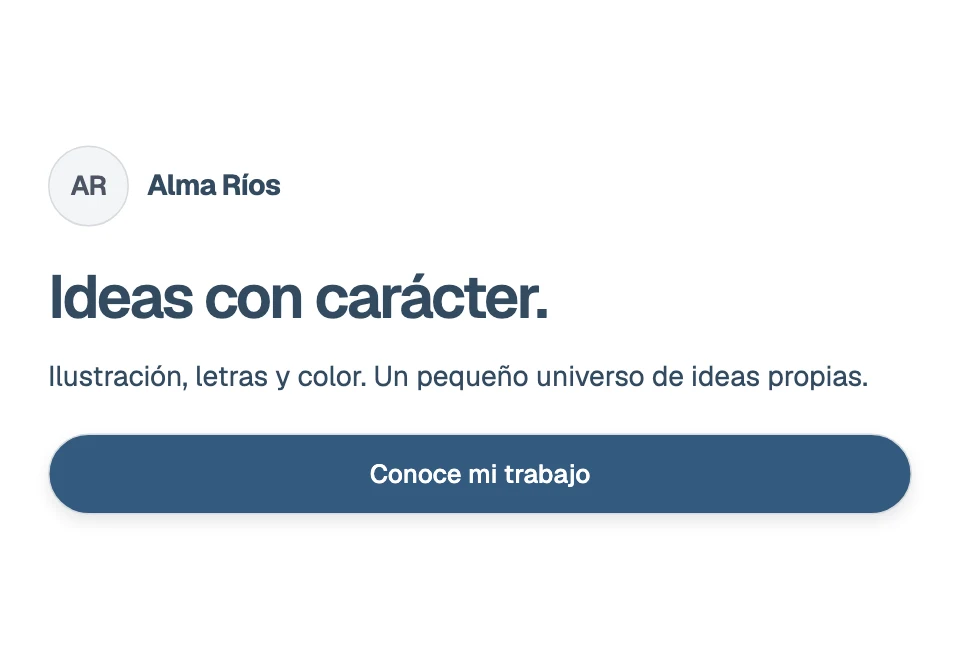
Your name, photo, a short intro and a button for the next step.
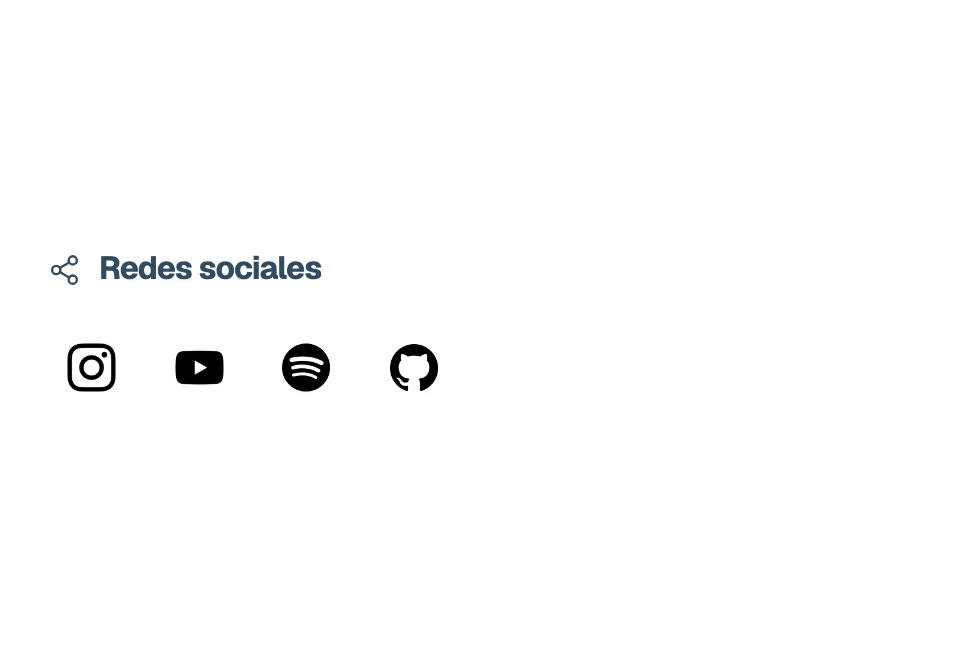
Your social profiles in a row of icons, each with its link.
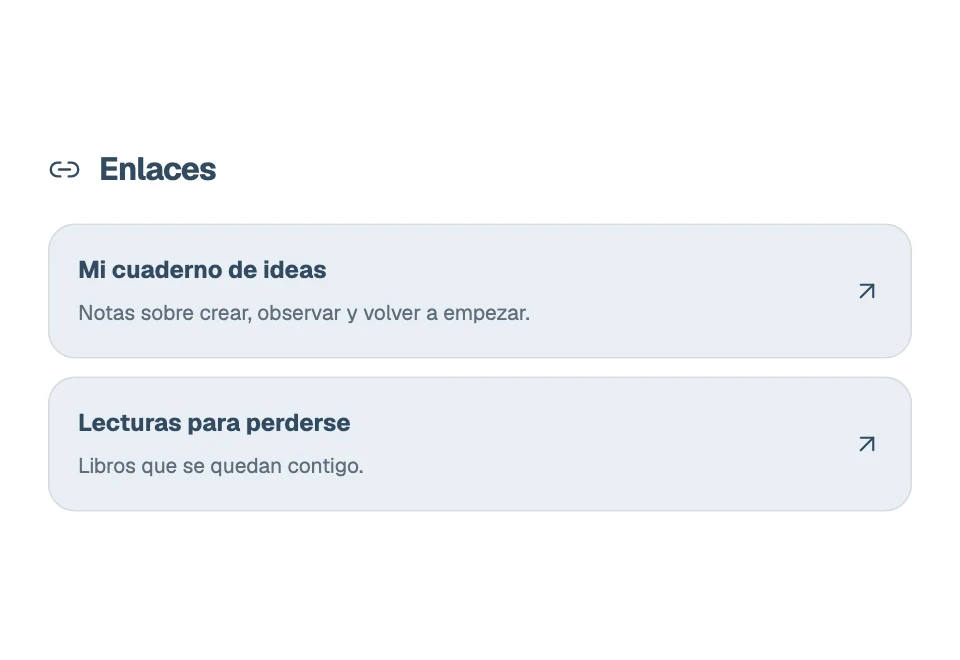
Links with a title, description and optional preview image.

Up to 3 YouTube videos per block, with thumbnails that open the video.
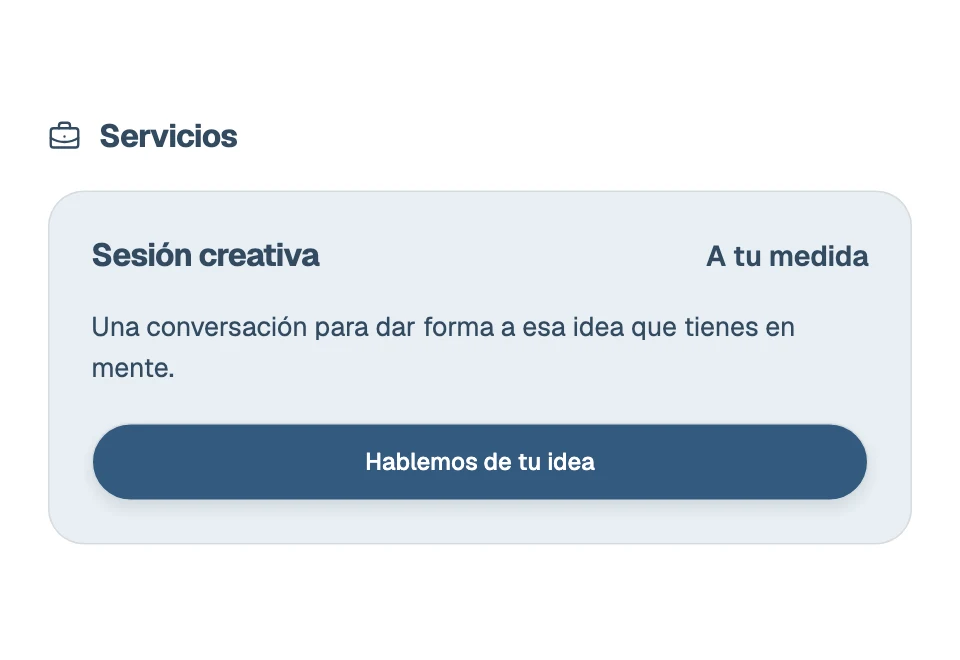
What you offer, its price, a description and a contact or booking button.
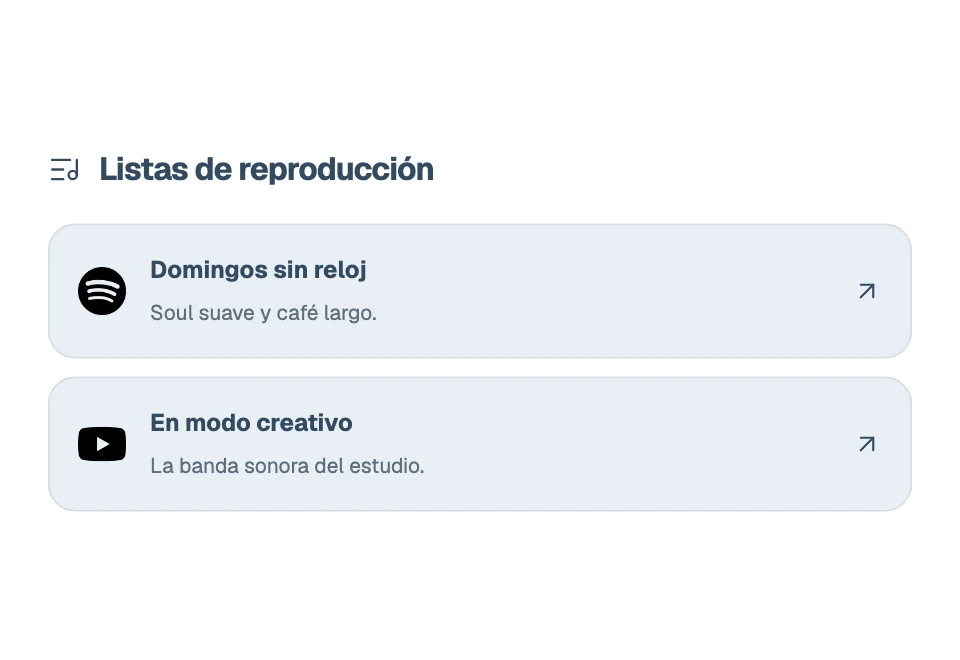
Up to 3 playlists per block, with title, description and service icon.
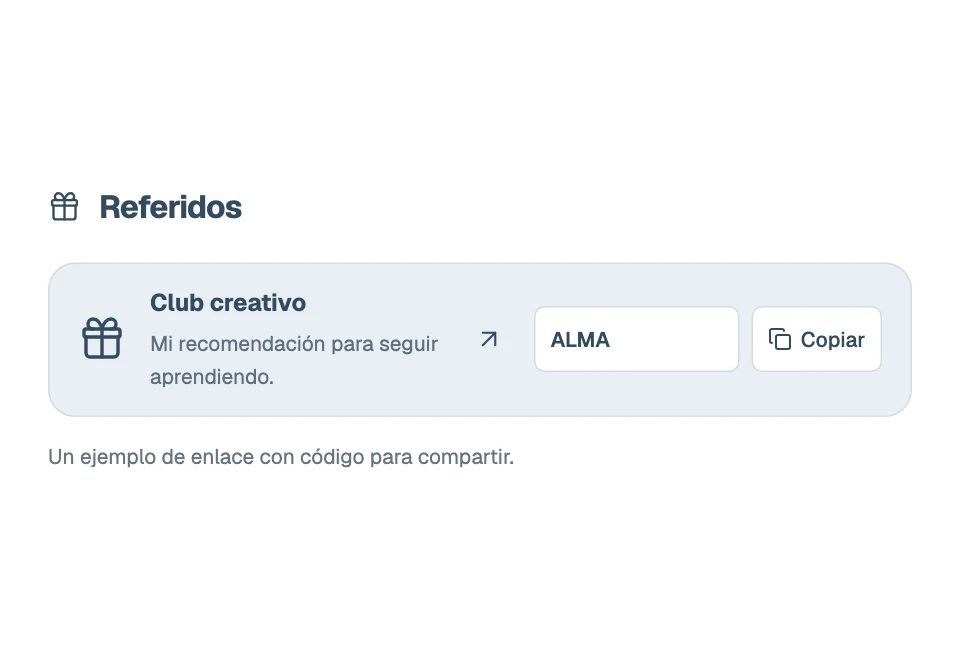
Your recommendations with a referral link and an optional code to copy.
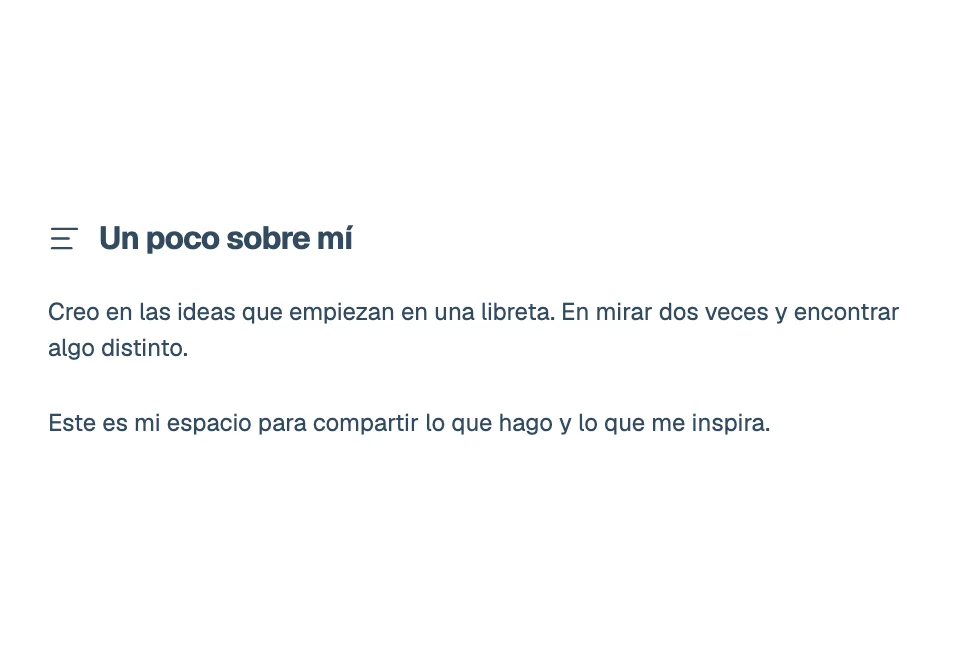
Room for your story, a note or any idea you want to share.
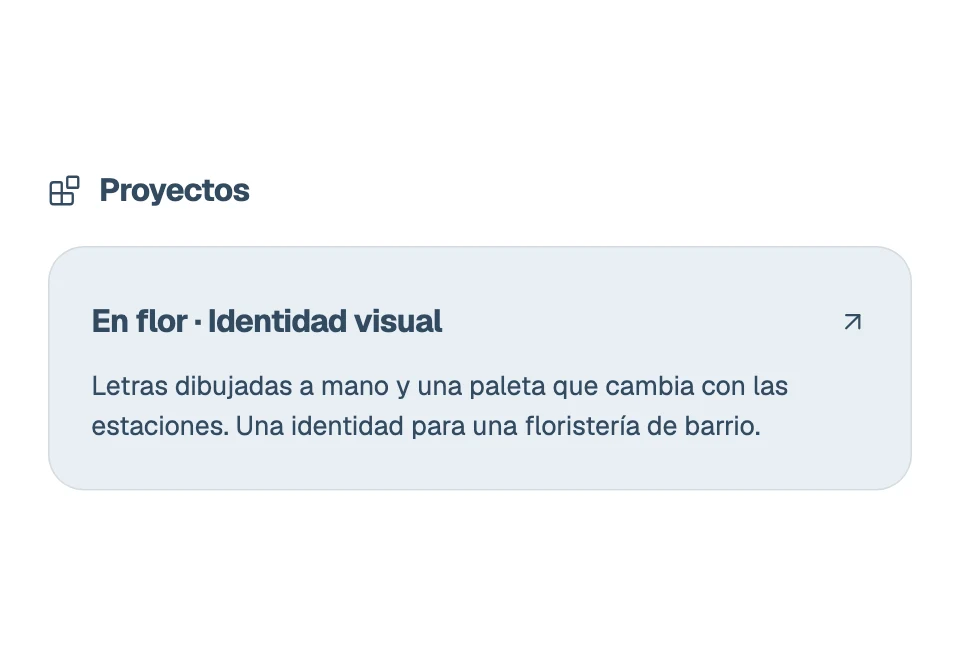
Show your work with a name, description, image and optional link.
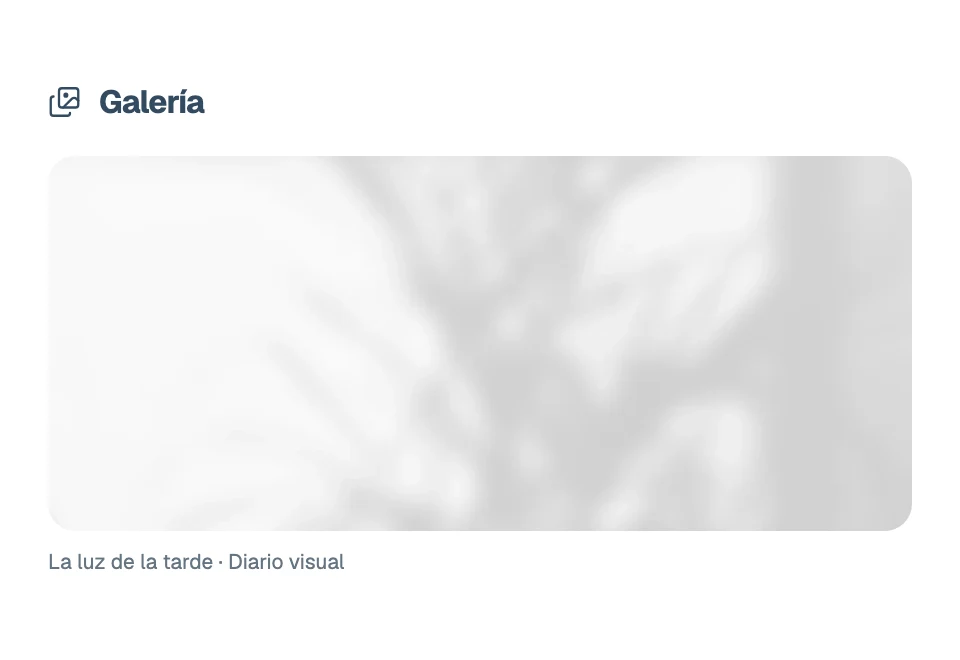
Your images in a gallery with accessible descriptions and captions.
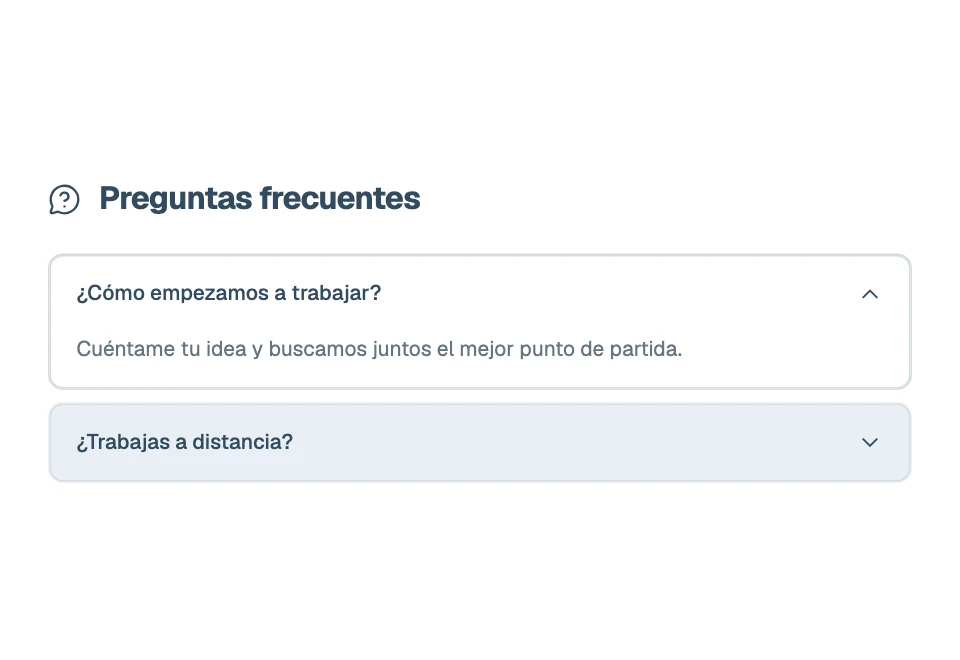
Expandable questions and answers for the most common doubts.
Start with the basics.
Add blocks when you need them.
Projects, services, videos, playlists and social profiles on a single page.
See an example with servicesPick a theme and tweak colors and fonts until it looks like you.
Try the stylesAdd, reorder or hide blocks. You see the changes as you edit.
With Pro
Connect your MCP-compatible assistant, like Claude Code or Cursor. Ask it to add a link, change your intro or review your page. The changes stay in your draft and you decide when to publish.
How to connect itPick a profile and a style: this whole page changes so you can see how yours would look.
Geist
Clean, precise and distraction-free.
The profiles are samples. Changing the style here doesn’t touch your page.
Open the full example (new tab)Getting the example ready…
Scroll inside the page to explore itNo card needed.
Pay only if you want more.
$0
Loading prices…
If you leave Pro, you lose nothing: your content stays saved and your page goes back to the Free limits. Prices in Mexican pesos (MXN).
No. You fill in forms, arrange the blocks and see the result while you edit.
Getting started is free and needs no card. Pro gives you more blocks and items; you pay monthly, yearly or once, by card through Conekta. Prices are in Mexican pesos and shown above.
When it is ready, press Publish in the editor and it goes live at yourname.mymini.website. Your changes save on their own, but they don’t show until you publish again. On Free it carries a small miniwebsite footer.
More room: up to 100 blocks and 100 items in each one. Your published page without the miniwebsite footer. And you see how many people visit it each day and which links they open, without cookies or data about who visited.
Yes, with Pro. Connect an MCP-compatible assistant, like Claude Code or Cursor, and ask for changes in your own words: add a link, rewrite your intro or review your page. Everything stays in your draft, you can check it first and go back to an earlier version. The steps are in Help.
You keep Pro until the period you paid for ends and you are not charged again. After that, your content stays saved and your page uses the Free limits.